Turn your favourite image into mosaic
BrickART transforms any photo into a stunning brick mosaic with detailed, step-by-step building instructions. Pick an image, fine-tune your design, and download a printable PDF guide. Design it. Plan it. Build it.
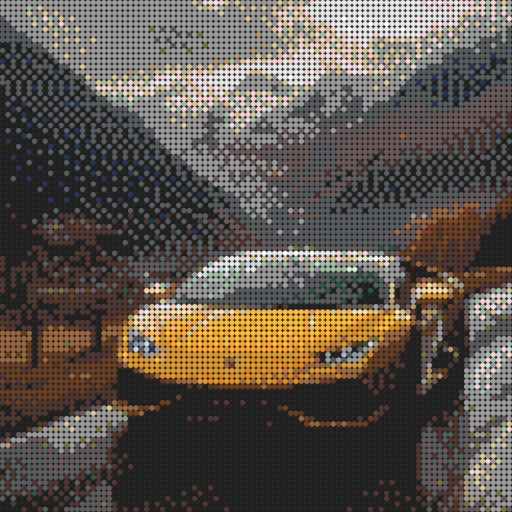
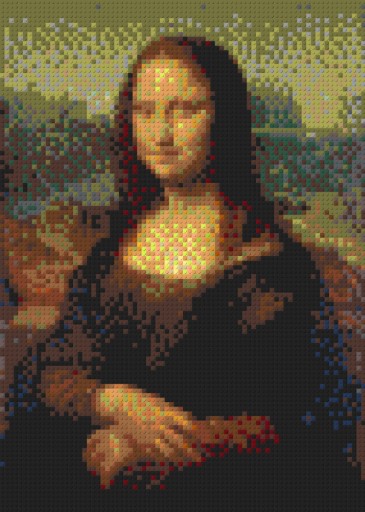
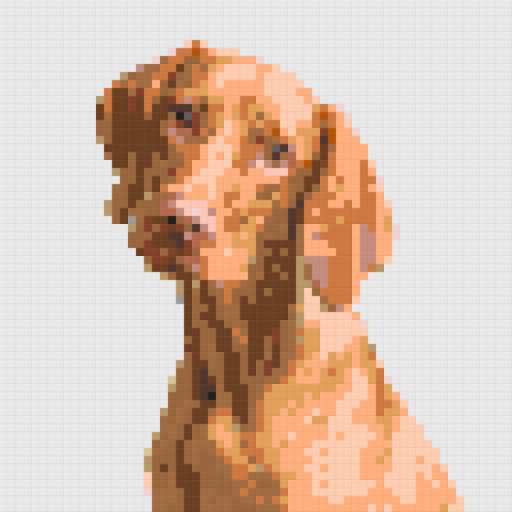
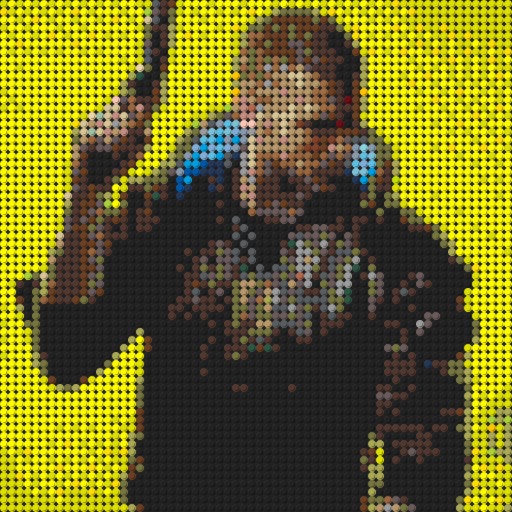
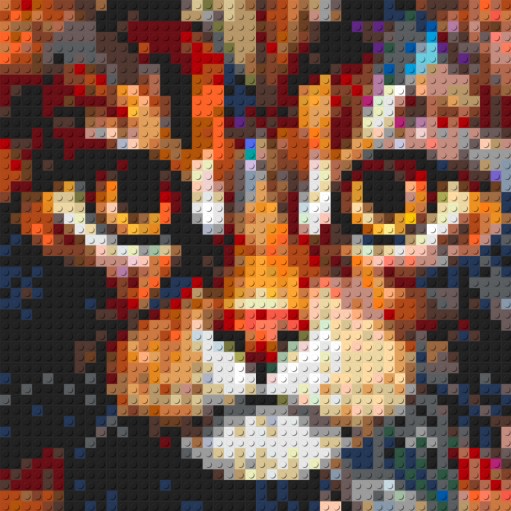
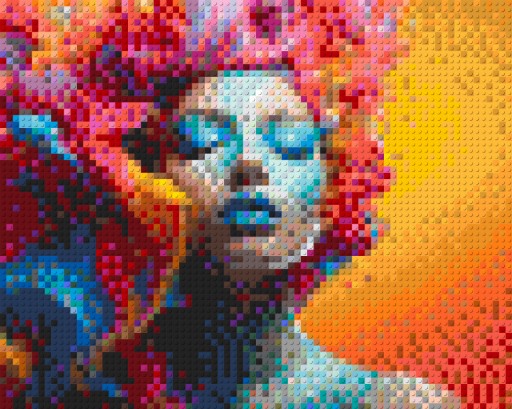
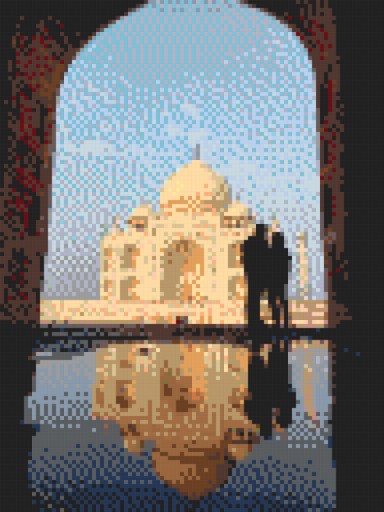
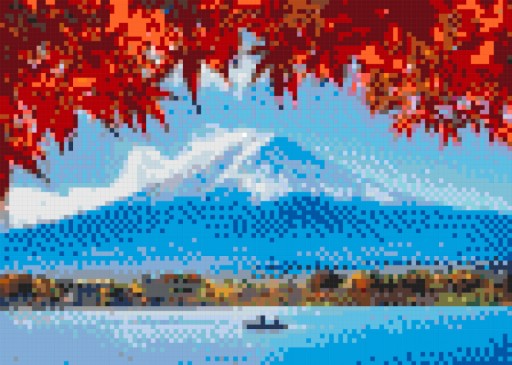
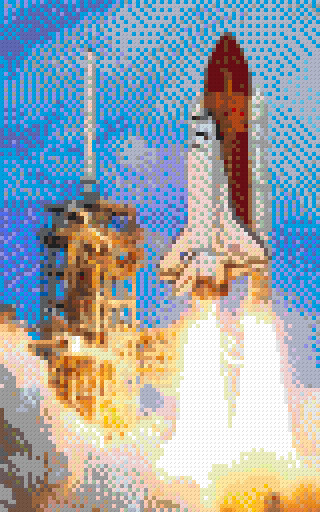

From photo to bricks in three steps
No design skills, no special software. Just your imagination and a few clicks.
Upload your image
Pick any photo from your device or drag and drop it directly onto the page. PNG, JPG, WEBP, AVIF — all welcome.
Customize your mosaic
Choose brick type, palette, plate size, dithering and filters. Preview every change live in 2D or in a true 3D view.
Download instructions
Generate a printable PDF with plate-by-plate layouts, color legend and parts list — then start building.
See the transformation
Drag the slider on any example to compare the original photo with its brick mosaic conversion.
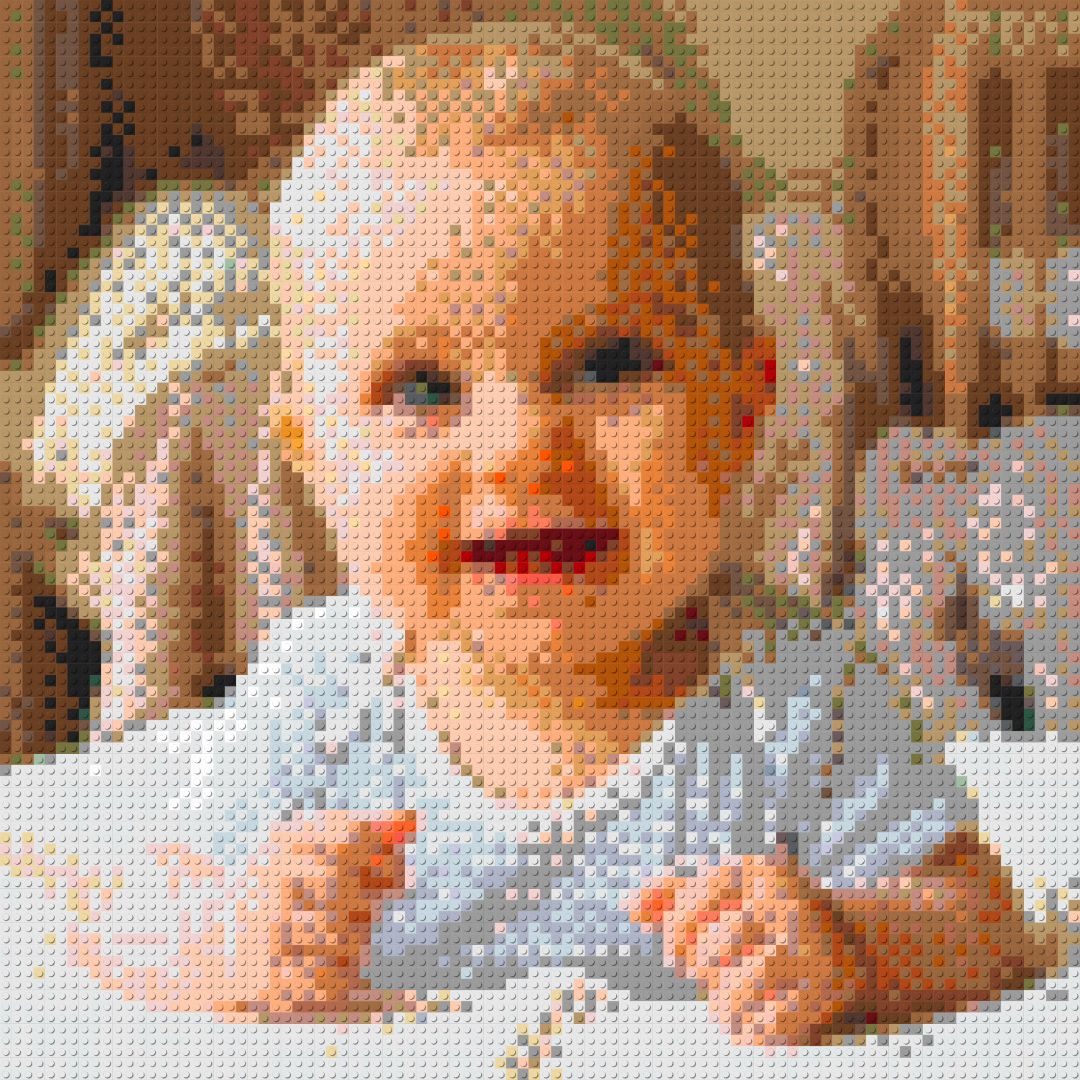
 OriginalMosaic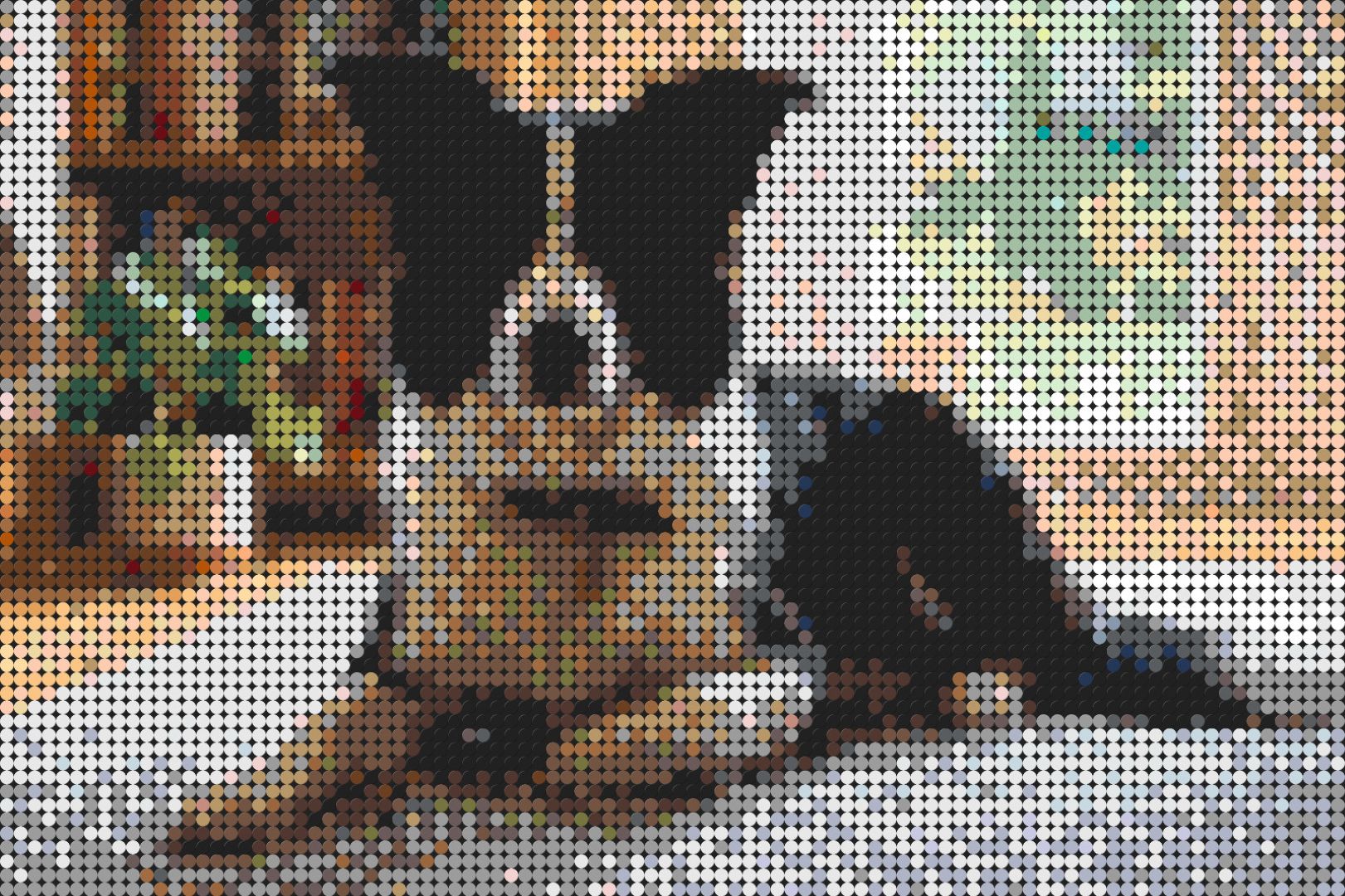
 OriginalMosaic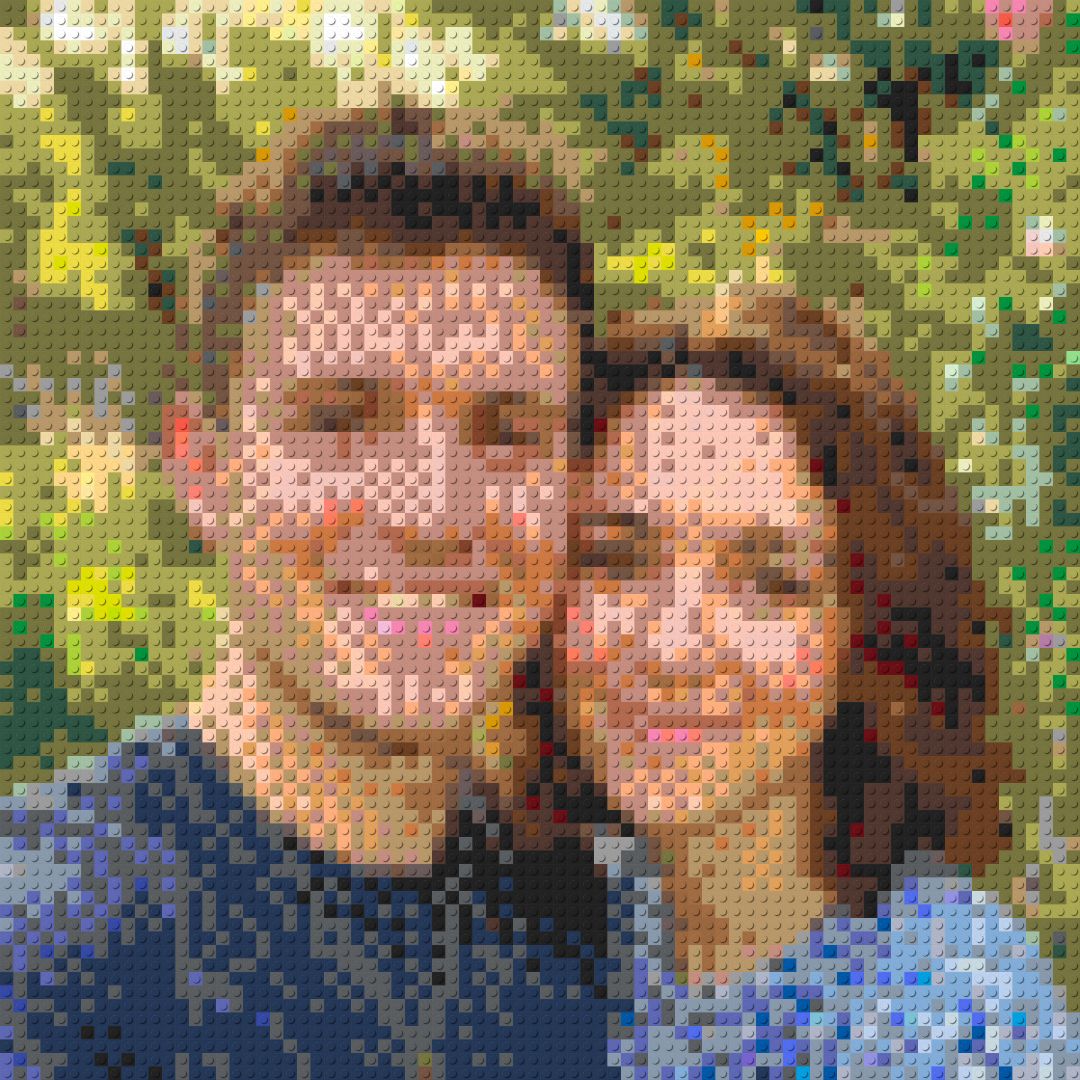
 OriginalMosaic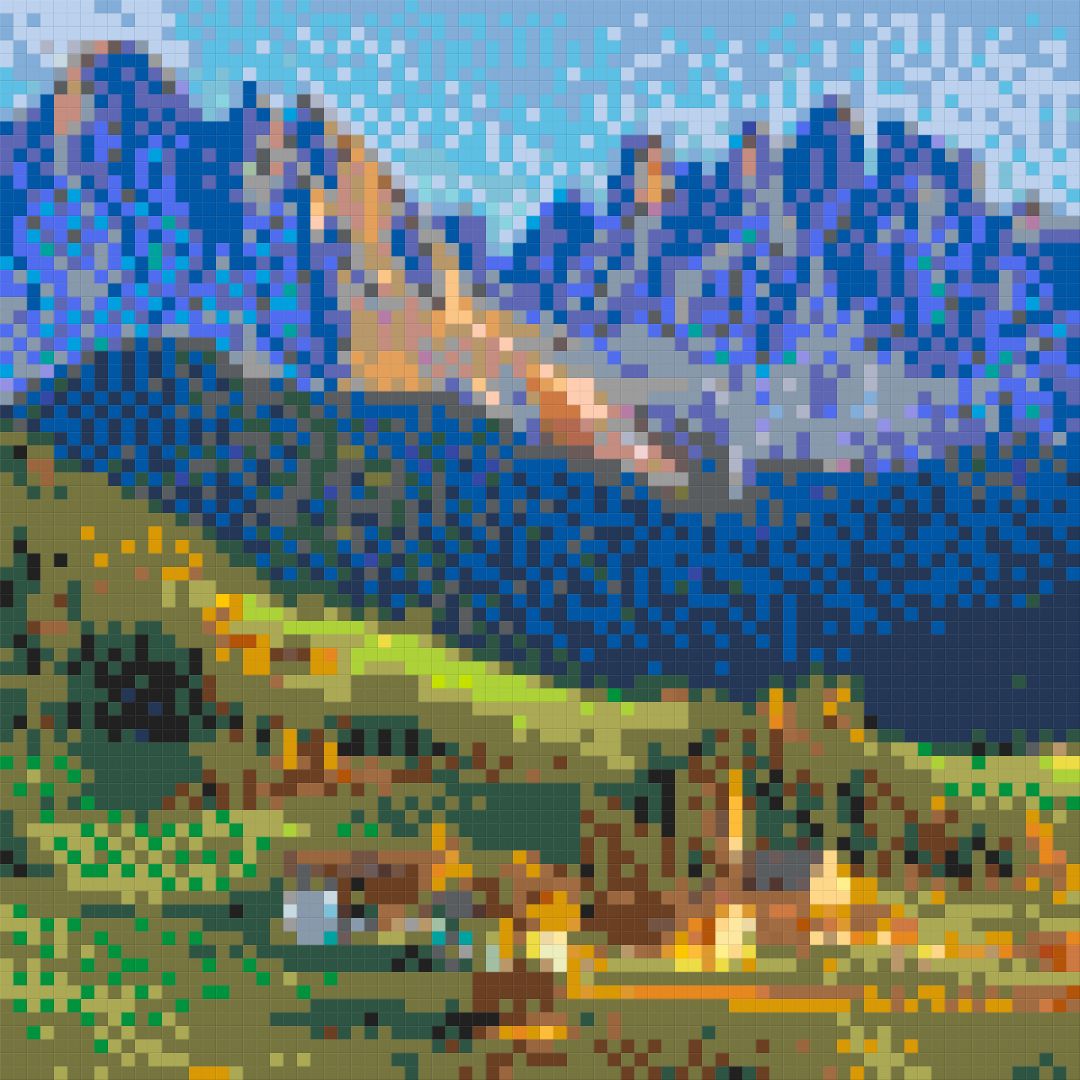
 OriginalMosaic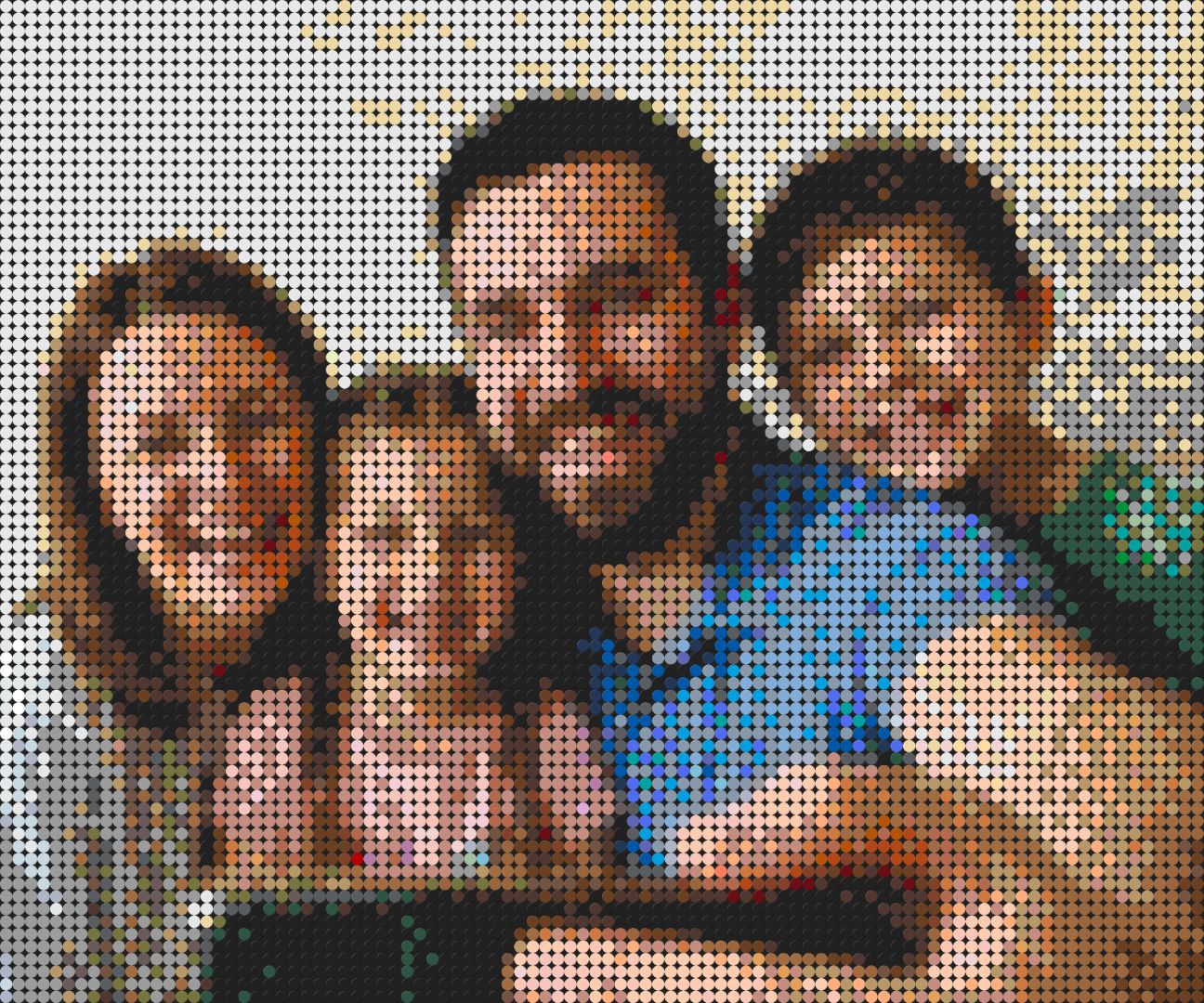
 OriginalMosaic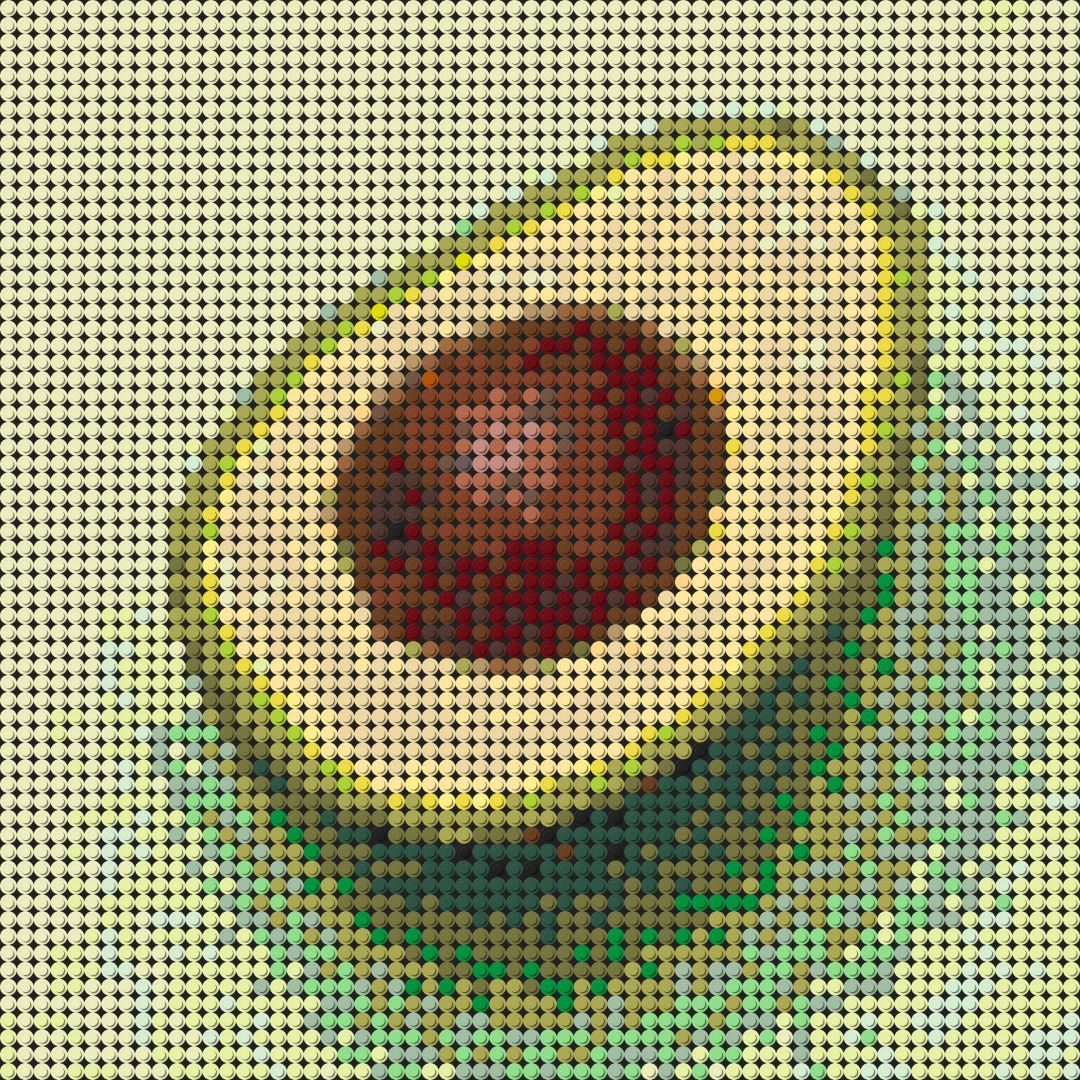
 OriginalMosaic
Everything you need to build something amazing
BrickART gives you full creative control — from your first click to the very last brick.
Smart conversion
Multiple color matching algorithms and dithering give you the most accurate representation of any image.
True 3D preview
Rotate and inspect your mosaic in a real WebGL 3D viewer before you commit to building it.
Real brick colors
Authentic palettes match the bricks you can actually buy — no guesswork.
Fine-tune everything
Crop, filter, dither, resize and tweak the background — all in real time.
Round or square
Switch between brick styles to match your collection or your creative vision.
Upload anything
PNG, JPG, WEBP, AVIF — drag and drop or browse for your favourite photo.
Printable PDF guide
Plate-by-plate layout, color legend and full parts list — ready to print.
Save your projects
Sign in to keep your designs and custom palettes synced across devices.
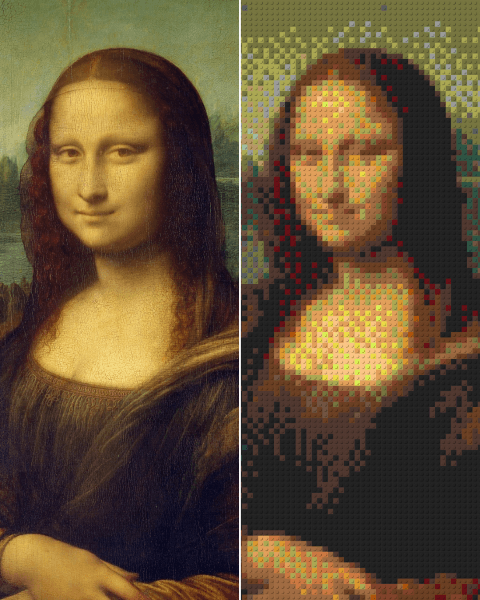
See what a finished PDF looks like
Download an example building instruction to see exactly what you'll get — every brick, every plate, every step.
- Plate-by-plate building layout
- Full color legend with brick counts
- Print-ready, optimized PDF
Questions, answered
Everything you need to know to get started.
Ready to build your brick masterpiece?
Upload your image and get a printable, brick-by-brick instruction in seconds. Sign in later to save your designs and palettes.
Runs entirely in your browser. Your photos never leave your device unless you save a project.